
- Trending Categories
 Data Structure
 Networking
 RDBMS
RDBMS Operating System
 Java
Java MS Excel
 iOS
iOS HTML
HTML CSS
CSS Android
 Python
 C Programming
 C++
C++ C#
C# MongoDB
 MySQL
MySQL Javascript
 PHP
PHP Physics
 Chemistry
 Biology
 Mathematics
 English
 Economics
 Psychology
 Social Studies
 Fashion Studies
 Legal Studies
- Selected Reading
- UPSC IAS Exams Notes
- Developer's Best Practices
- Questions and Answers
- Effective Resume Writing
- HR Interview Questions
- Computer Glossary
- Who is Who
Converting an image from colour to grayscale using OpenCV
In this program, we will change the color scheme of an image from rgb to grayscale
Algorithm
Step 1: Import OpenCV.
Step 2: Read the original image using imread().
Step 3: Convert to grayscale using cv2.cvtcolor() function.
Example Code
import cv2
image = cv2.imread('colourful.jpg')
cv2.imshow('Original',image)
grayscale = cv2.cvtColor(image, cv2.COLOR_BGR2GRAY)
cv2.imshow('Grayscale', grayscale)
Output
Original Image:

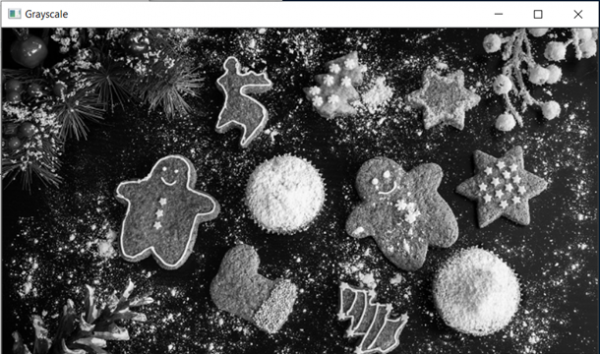
Grayscale Image:

Updated on: 2021-03-17T07:57:34+05:30
16K+ Views

Advertisements