
- Trending Categories
 Data Structure
 Networking
 RDBMS
RDBMS Operating System
 Java
Java MS Excel
 iOS
iOS HTML
HTML CSS
CSS Android
 Python
 C Programming
 C++
C++ C#
C# MongoDB
 MySQL
MySQL Javascript
 PHP
PHP Physics
 Chemistry
 Biology
 Mathematics
 English
 Economics
 Psychology
 Social Studies
 Fashion Studies
 Legal Studies
- Selected Reading
- UPSC IAS Exams Notes
- Developer's Best Practices
- Questions and Answers
- Effective Resume Writing
- HR Interview Questions
- Computer Glossary
- Who is Who
How to change display mode with Java Swings
To change display mode with Java Swings, use the setDisplayMode() method. Here, we have set the Display mode as:
new DisplayMode(800, 600, 32, 60));
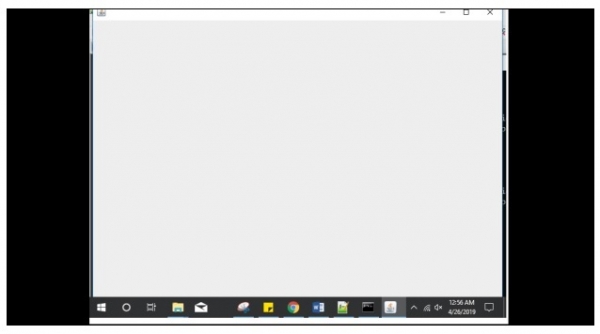
Now, when you will run the program, the frame would be visible in a different resolution than the actual set resolution of your system.
The following is an example to change display mode with Java Swings:
Example
import java.awt.DisplayMode;
import java.awt.GraphicsDevice;
import java.awt.GraphicsEnvironment;
import javax.swing.JFrame;
public class SwingDemo {
   public static void main(String[] args) {
      JFrame frame = new JFrame();
      frame.setSize(800, 600);
      frame.setDefaultCloseOperation(JFrame.EXIT_ON_CLOSE);
      GraphicsDevice graphics = GraphicsEnvironment.getLocalGraphicsEnvironment()
         .getDefaultScreenDevice();
      graphics.setFullScreenWindow(frame);
      graphics.setDisplayMode(new DisplayMode(800, 600, 32, 60));
      frame.setVisible(true);
   }
}
The output is as follows displaying a new display mode. Current mode of the system is 1366x768 and we have set 800x600 for the frame:

Updated on: 2019-07-30T22:30:26+05:30
1K+ Views

Advertisements