
- Trending Categories
 Data Structure
 Networking
 RDBMS
RDBMS Operating System
 Java
Java MS Excel
 iOS
iOS HTML
HTML CSS
CSS Android
 Python
 C Programming
 C++
C++ C#
C# MongoDB
 MySQL
MySQL Javascript
 PHP
PHP Physics
 Chemistry
 Biology
 Mathematics
 English
 Economics
 Psychology
 Social Studies
 Fashion Studies
 Legal Studies
- Selected Reading
- UPSC IAS Exams Notes
- Developer's Best Practices
- Questions and Answers
- Effective Resume Writing
- HR Interview Questions
- Computer Glossary
- Who is Who
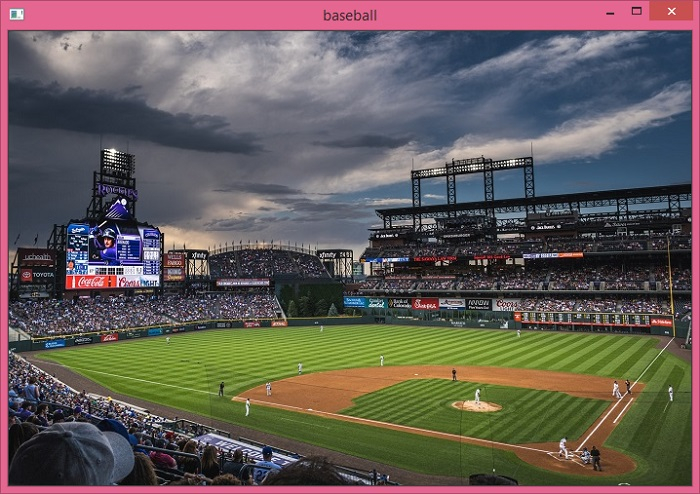
How to read an image in Python OpenCV?
To read an image in Python OpenCV, we can take the following Steps −
- Load an image from a file.
- Display the image in the specified window.
- Wait for a pressed key.
- Destroy all of the HighGUI windows.
Example
import cv2
img = cv2.imread("baseball.png", cv2.IMREAD_COLOR)
cv2.imshow("baseball", img)
cv2.waitKey(0)
cv2.destroyAllWindows()
Output

Updated on: 2021-05-15T12:24:17+05:30
990 Views

Advertisements