
- Trending Categories
 Data Structure
 Networking
 RDBMS
RDBMS Operating System
 Java
Java MS Excel
 iOS
iOS HTML
HTML CSS
CSS Android
 Python
 C Programming
 C++
C++ C#
C# MongoDB
 MySQL
MySQL Javascript
 PHP
PHP Physics
 Chemistry
 Biology
 Mathematics
 English
 Economics
 Psychology
 Social Studies
 Fashion Studies
 Legal Studies
- Selected Reading
- UPSC IAS Exams Notes
- Developer's Best Practices
- Questions and Answers
- Effective Resume Writing
- HR Interview Questions
- Computer Glossary
- Who is Who
HTML onerror Event Attribute
The HTML onerror event attribute is triggered when an error occurs while loading an external file in an HTML document.
Syntax
Following is the syntax −
<tagname onerror=”script”>Content</tagname>
Let us see an example of HTML onerror event Attribute −
Example
<!DOCTYPE html>
<html>
<head>
<style>
   body {
      color: #000;
      height: 100vh;
      background: linear-gradient(62deg, #FBAB7E 0%, #F7CE68 100%) no-repeat;
      text-align: center;
      padding: 20px;
   }
   .btn {
      background: #db133a;
      border: none;
      height: 2rem;
      border-radius: 2px;
      width: 40%;
      display: block;
      color: #fff;
      outline: none;
      cursor: pointer;
      margin: 1rem auto;
   }
</style>
</head>
<body>
<h1>HTML onerror Event Attribute Demo</h1>
<button onclick="add()" class="btn">Add Nature Image</button>
<script>
   function add() {
      var imgEle = document.createElement('IMG');
      imgEle.setAttribute("src", "nature.png");
      imgEle.setAttribute("alt", "nature image");
      imgEle.setAttribute("onerror", "errorFn()");
      document.body.appendChild(imgEle);
   }
   function errorFn() {
      document.body.style.background = "linear-gradient(45deg, #8BC6EC 0%, #9599E2 100%) no-repeat";
      document.body.style.color = "#fff";
   }
</script>
</body>
</html>
Output
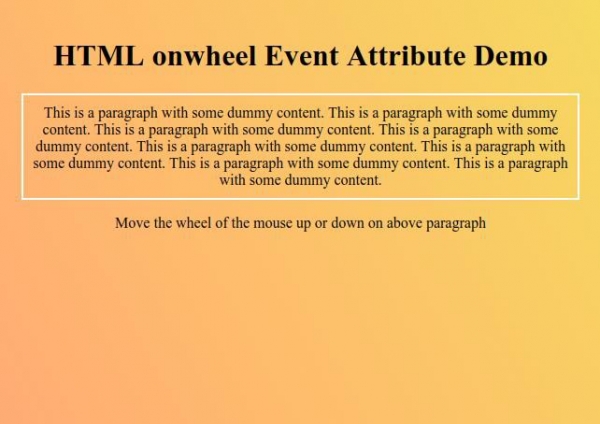
Click on “Add Nature Image” button to create an image element with wrong source attribute and with onerror event attribute and then it to body element.


Updated on: 2019-09-26T10:40:58+05:30
299 Views

Advertisements