


 Updated on Oct, 2026
 Language - English
Course was excellent for a beginner. Many good workable suggestions to become productive quickly and efficiently within the Access program. Well presented in a very understandable format.
Access Forms and Reports
Learn how to create and maintain forms and reports in Microsoft Access
 Office Productivity,Microsoft,Microsoft Access
Lectures -3
Duration -2.5 hours
Lifetime Access

Lifetime Access
30-days Money-Back Guarantee
Get your team access to 10000+ top Tutorials Point courses anytime, anywhere.
Course Description
In Access, a form is a data entry screen, and a report is a nicely formatted version of the data. This course will show you how to create and manage your forms and reports in Access and create a complete application.
This is volume 2 of Microsoft Access Databases. Volume 1 is Tables and Queries, which is also available in this forum.
Topics:
- Creating a form with Autoform
- Using the Form Wizard
- Changing a form with a design view
- Adding form controls
- Subforms
- Creating reports with Autoreport
- Using the Report Wizard
- Changing a report with a design view
- Adding calculations
- Grouping, sorting and adding totals to reports
- Using the Label Wizard
- Form and table properties
- Exporting a report to Excel
- Using the Switchboard Manager to create a nice menu
- Finalizing the application
Goals
- Learn Access Forms
- Learn Access Reports

Curriculum
Check out the detailed breakdown of what’s inside the course
Full Course
2 Lectures
-
 Preview
00:46
00:46
Preview
00:46
00:46
-
Full Course
02:50:54
02:50:54
Instructor Details

Thomas Fragale
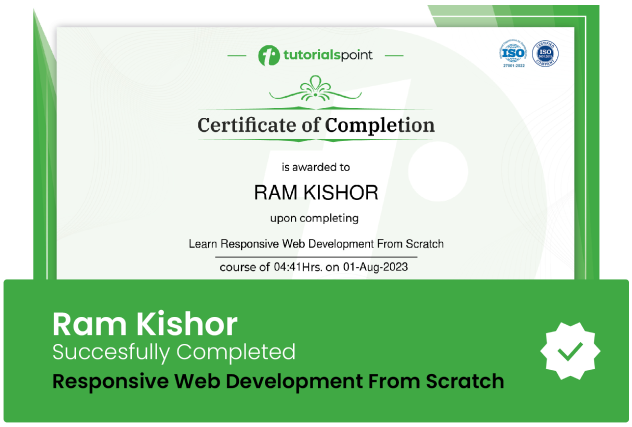
Course Certificate
Use your certificate to make a career change or to advance in your current career.
Our students work
with the Best

















Feedbacks
Related Video Courses
View MoreAnnual Membership
Become a valued member of Tutorials Point and enjoy unlimited access to our vast library of top-rated Video Courses
Subscribe now
Online Certifications
Master prominent technologies at full length and become a valued certified professional.
Explore Now