


Creative Photoshop Portrait Retouching and Lightroom
Photoshop High End Beauty Retouch. Learn Professional Beauty Retouching. Easy! Just repeat after me.
 Updated on Oct, 2026
 Language - English
 Photography and Videos,Portrait Photography,Photography Lighting
Lectures -8
Duration -41 mins
Lifetime Access

Get your team access to 10000+ top Tutorials Point courses anytime, anywhere.
Course Description
Learn how to retouch portrait photography using Adobe Photoshop for professional results in this step-by-step guide and tutorial.
This video tutorial that will show you a full image edit, including retouching, dodging and burning, color grading, and more.
This tutorial will show you the full process of retouching and color grading a portrait in Lightroom and Photoshop, including using
techniques like dodging and burning, frequency separation, selective color, Curves, and more.
In this tutorial, I show all the secrets of my processing. I show how to achieve a fabulous unusual color of greenery and the
environment. I show how to get rid of unnecessary objects in the frame and so on.
Open Photoshop window while watching the videos and apply them step-by-step in your photography.
I will also attach a RAW file with a photo to this lesson, on which you can practice.
What This Course Include?
- Whole process of basic skin retouch so You will be able to retouch the skin and hair.
- Complete Eyes retouch which shows You how to make the eyes bigger, how to retouch them, as well as how to sharpen and brighten them up!
- Complete Dodge & Burn guide which shows You how to do global and local Dodge & Burn in the right way.
- Sharpening Lesson.
- You will learn how to create simple final Adjustments
Who this course is for:
- Beginners in Photoshop and photo editing
- People with interests in Photoshop
- Everyone who wants to take their reatouching skills to the new level
- Everyone who wants to become a Beauty Retoucher
- Everyone who wants to become a Creative Portrait Retoucher
- People with an interest in retouching
Goals
- You will learn advanced photoshop / retouching tools
- You will learn advanced technique on adjustment layers
- You will learn my brand retouching secrets
- You will learn work with color
- You will learn turn ordinary photos into fabulous
- Color correction
- To use best possible retouching techiniques
- Do a High End Beauty Retouch
- Lightroom color correction
- More
Prerequisites
- Photoshop, Lightroom

Curriculum
Check out the detailed breakdown of what’s inside the course
Basic
8 Lectures
-
 Lightroom Correction. RAW
03:24
03:24
Lightroom Correction. RAW
03:24
03:24
-
Color Correction
04:40
04:40
-
Removing An Extra Object
06:05
06:05
-
Hair. Color Correction
01:41
01:41
-
Retouch with Dodge & Burn
07:08
07:08
-
Frequency Separation. Retouch
07:24
07:24
-
Final Adjustments
07:04
07:04
-
Plugin + Final Correction
03:36
03:36
Instructor Details
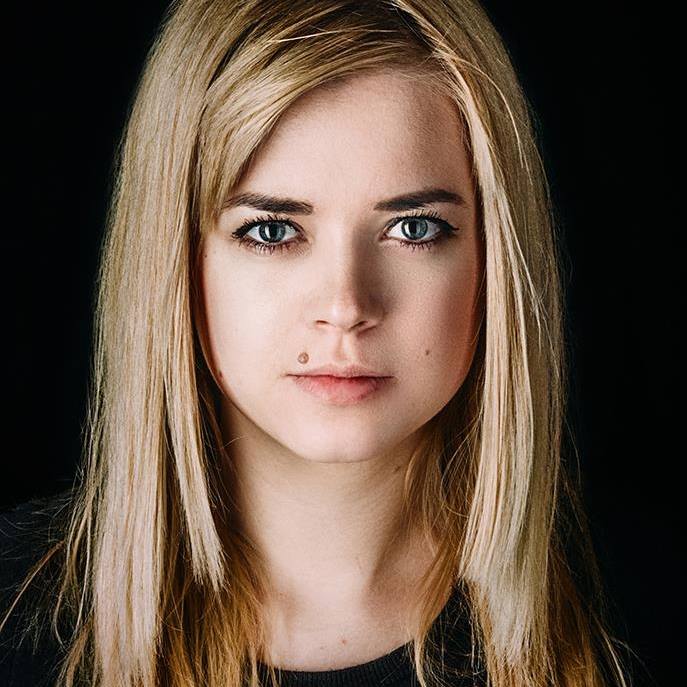
Inna Mosina
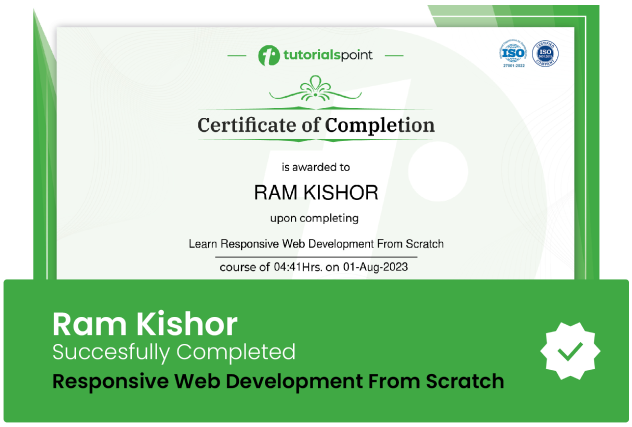
Course Certificate
Use your certificate to make a career change or to advance in your current career.
Our students work
with the Best
















Related Video Courses
View MoreAnnual Membership
Become a valued member of Tutorials Point and enjoy unlimited access to our vast library of top-rated Video Courses
Subscribe now
Online Certifications
Master prominent technologies at full length and become a valued certified professional.
Explore Now